Lasso introduction
Lasso is another WordPress plugin with many features. WP Affiliate Links offers a self-serve import from Lasso, letting you see which posts use it and import them with one click.
Each imported post also has a one-click revert option for convenience, though this is not a substitute for full site backups.
To import Amazon links from Lasso, you’ll need to configure your Amazon Settings. This ensures product data stays accurate and that shortened links, prohibited by the Amazon Associates Operating Agreement, are cleaned up.
Import
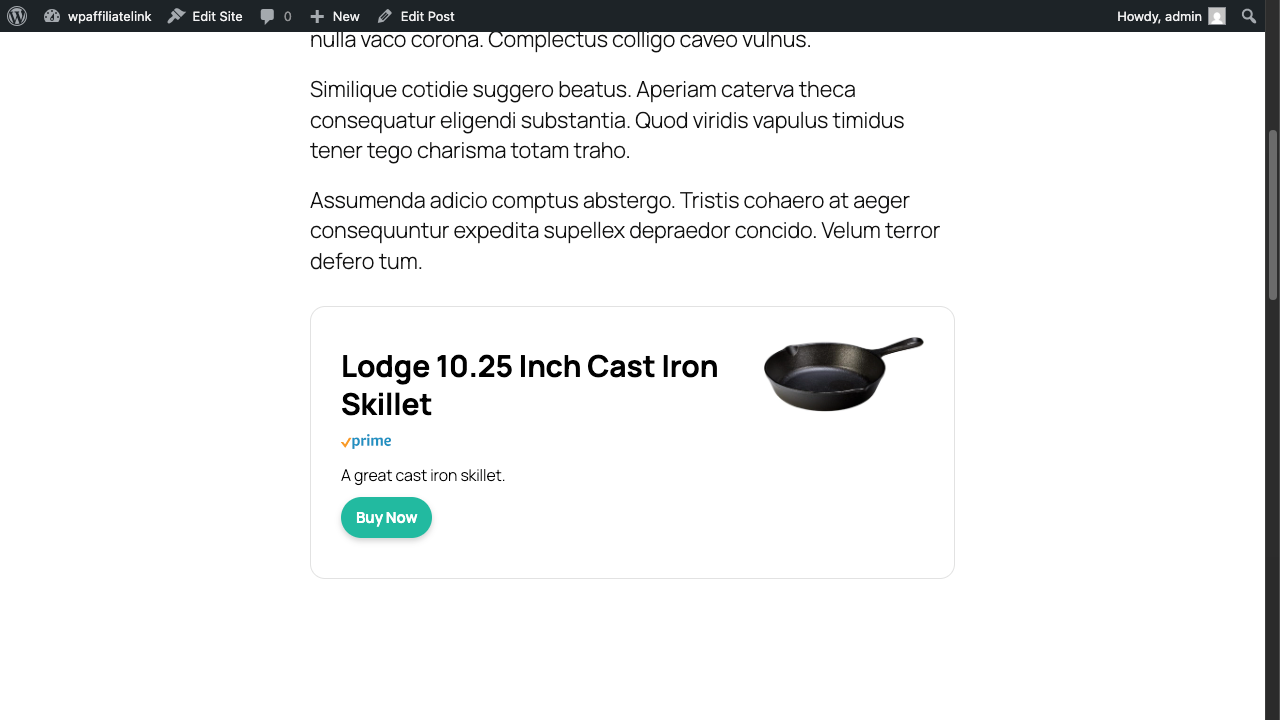
For Lasso posts, we currently support Single and Grid displays. All other formats (except plain links) will be converted to Single displays.
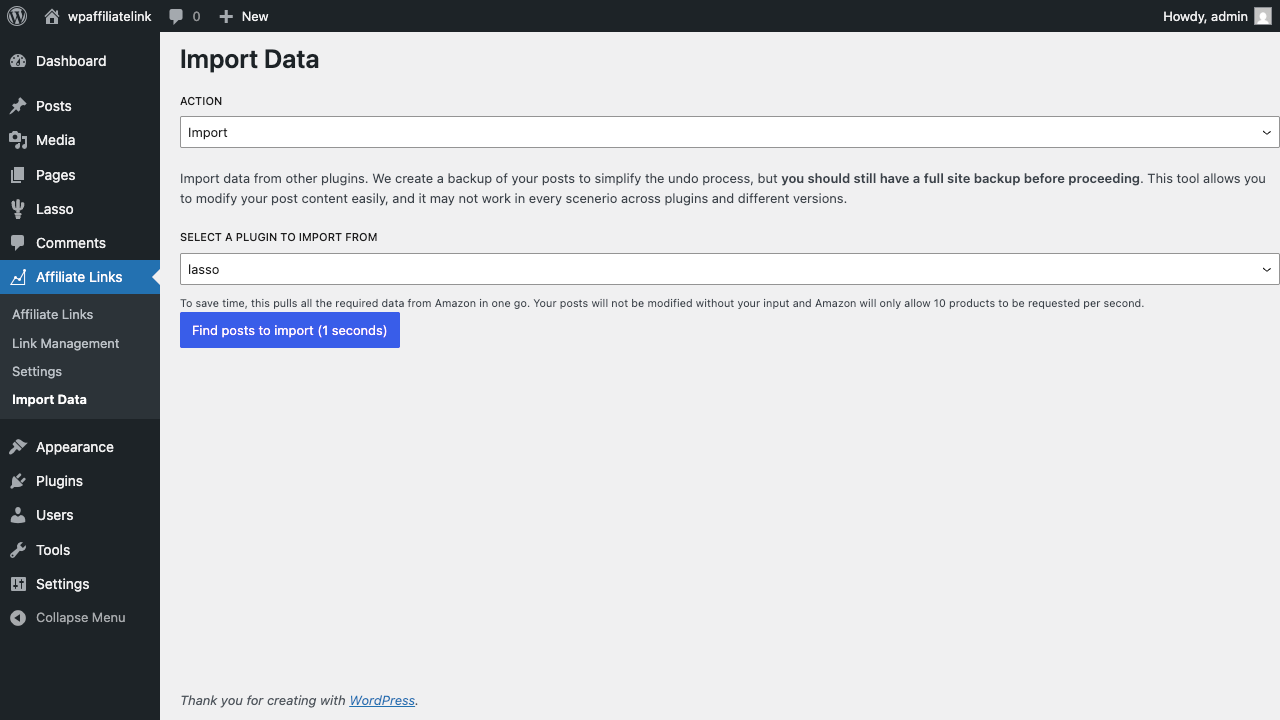
In your WordPress admin panel, open the Import tab in WP Affiliate Links.
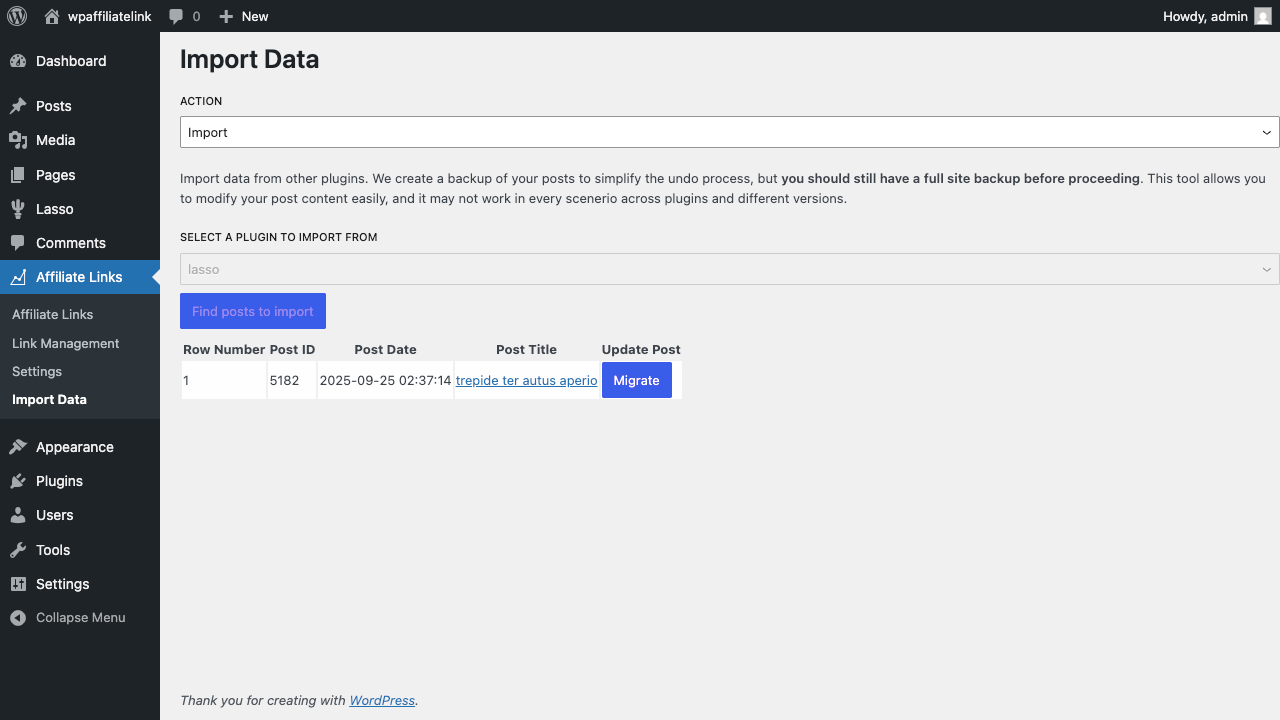
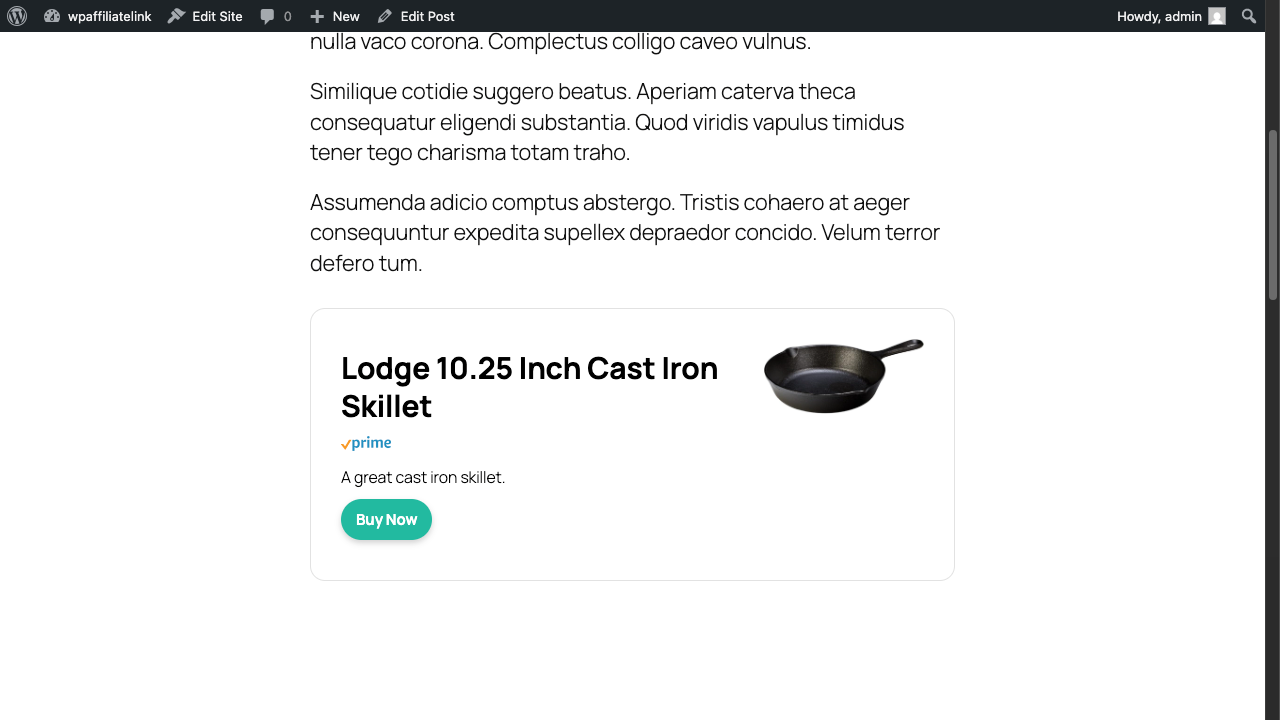
We recommend opening each post in a new tab before importing, so you can easily compare the original and updated versions side by side.
Here you’ll see all posts from the Lasso plugin. Imports are done one at a time, and we recommend reviewing each right away to catch any issues. If something doesn’t work as expected, please contact support.
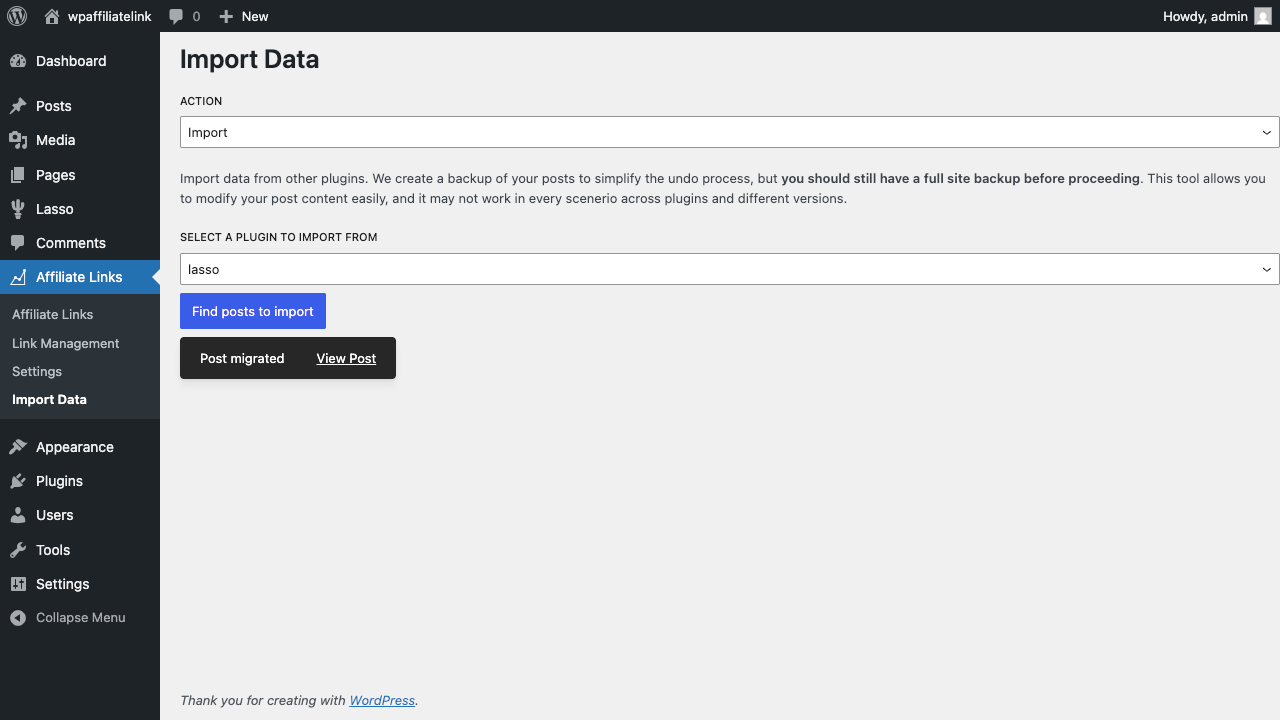
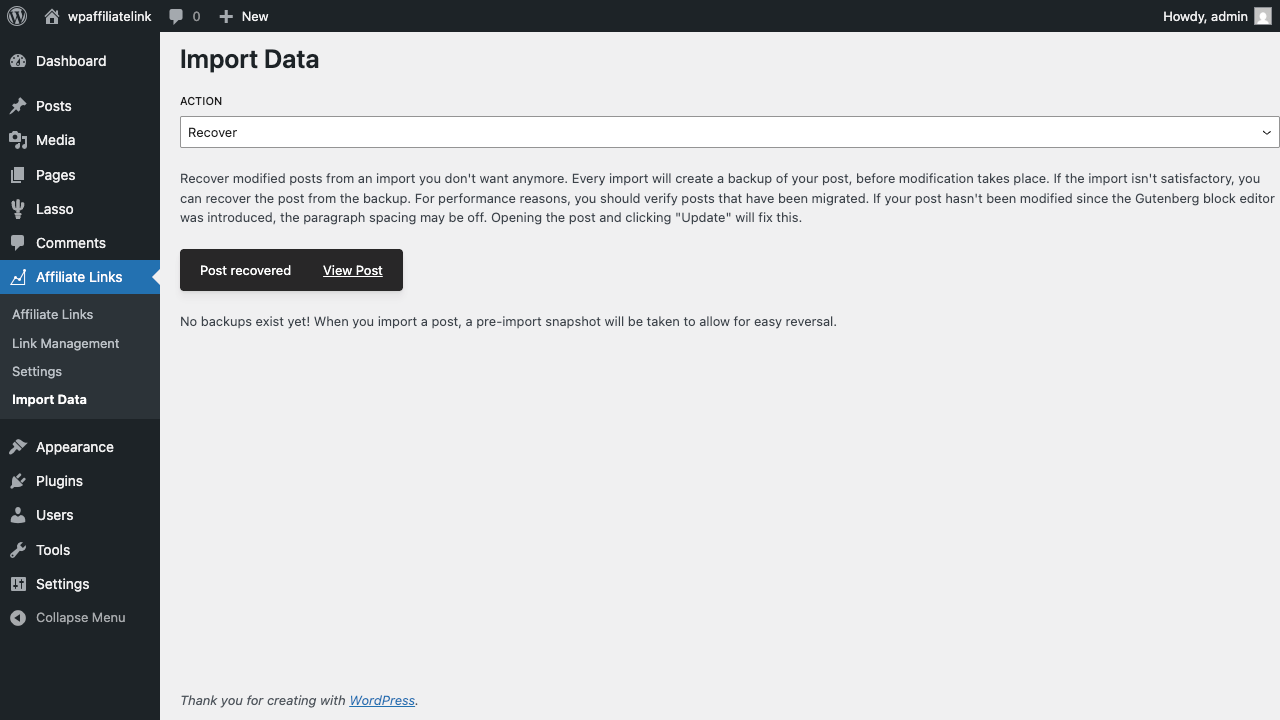
After completing an import, you can open the post directly from the toast message.
- If your post hasn’t been updated since Gutenberg was introduced, paragraph spacing may appear off. To fix this, just open the post in edit mode and click Update without making changes. This method is more reliable than automatic fixes during import.
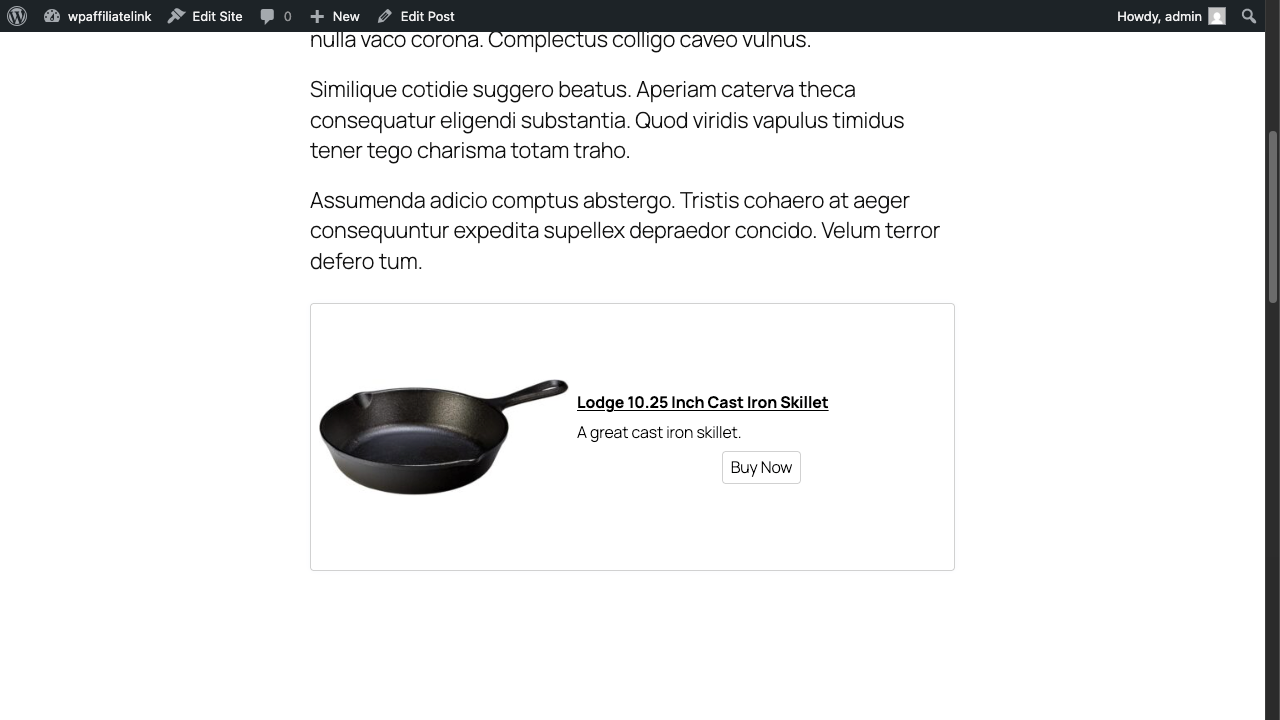
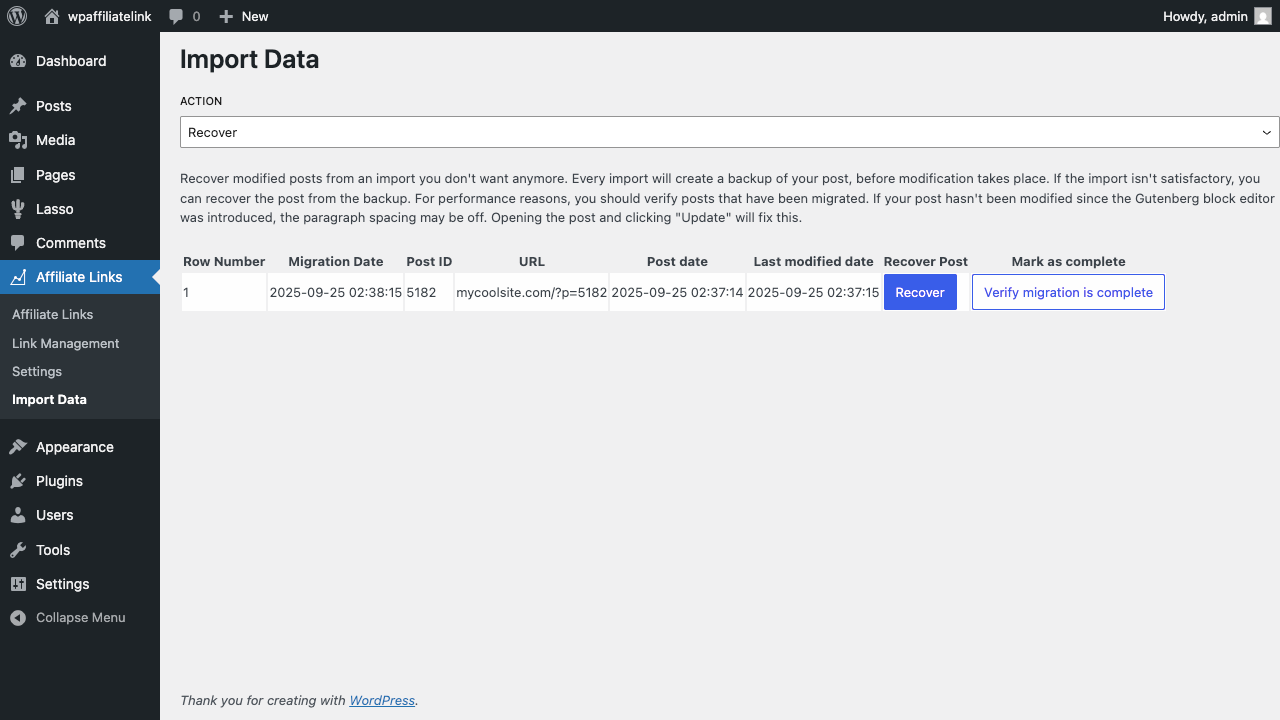
If you run into issues, go to the Recover section of the import page and click Recover on the post. This restores the content and last updated time to its pre-import state.
If you’re satisfied with an import, click Verify migration is complete to remove the backup for that post.
FAQ
- My post doesn’t have proper paragraphs after importing.
- This can happen with posts that haven’t been updated since the Gutenberg block editor was introduced. To fix it, open the post in the editor and save it again.
- Will the importer change my post’s last updated time?
- No. The importer keeps your post’s last updated time.